Mapping Success: A Guide to Using Buckeye Hunter Hub for Precise Scouting
Scouting Smarter, Not Harder
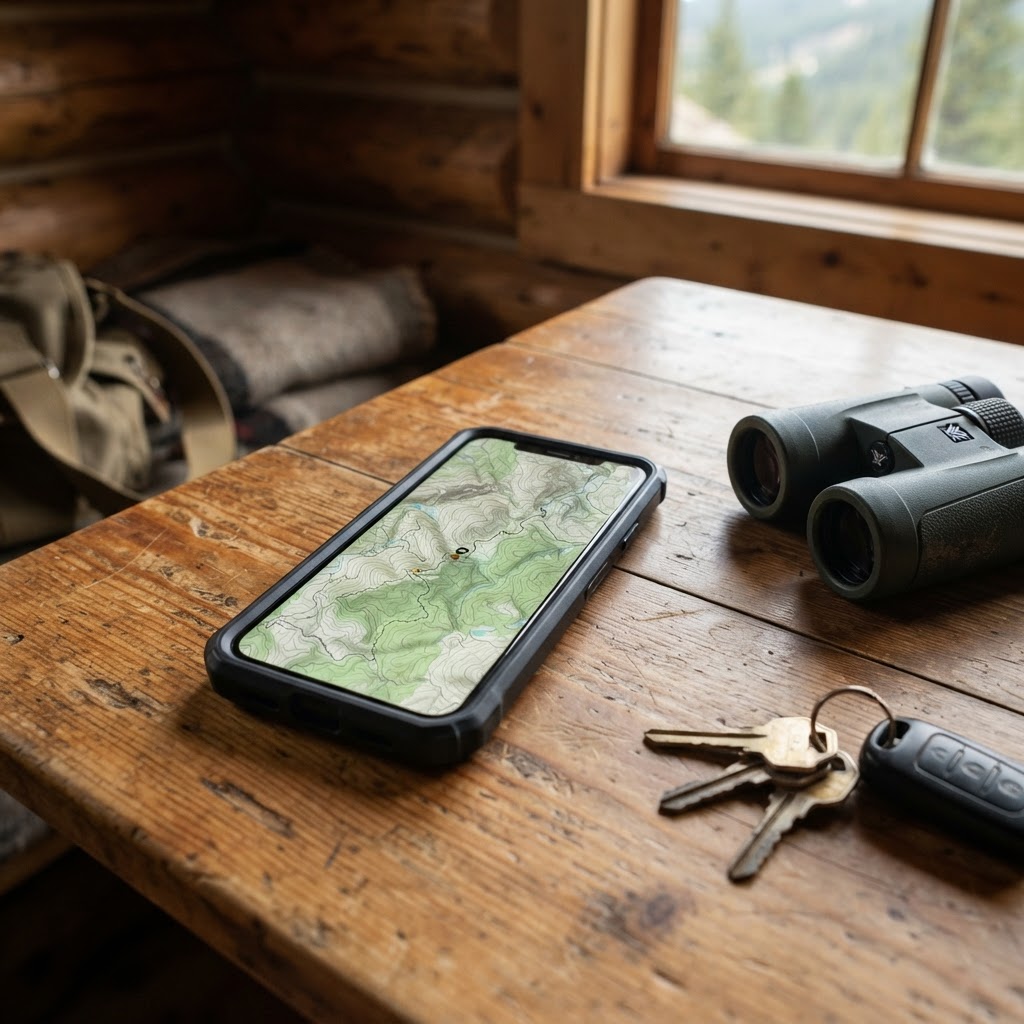
Every successful season is built on a foundation of quality scouting. Whether you are hunting vast public land or managing a private lease, knowing exactly where to place your equipment is the difference between filling a tag and spending a long weekend watching an empty field. In the past, this meant physical paper maps, shaky GPS handhelds, and a lot of memory-based guesswork. Today, digital tools have transformed how we interact with the woods. Using the available on Buckeye Hunter Hub, you can now curate a comprehensive digital layout of your hunting ground that helps you scout smarter and find more game.
Free hunting map, zones & 50-state resources
Save your spots, share zones with your group, and get deer & waterfowl movement forecasts — free.
Why Digital Waypoints Matter
Waypoints are essentially your digital breadcrumbs. By marking specific features—such as transition zones, bedding areas, or known scrapes—you create a spatial database of your hunting territory. Instead of walking into a stand blind or hoping a trail camera is placed on the perfect run, you can review your entire setup from your living room. This minimizes human disturbance, which is critical for mature bucks that shy away from over-pressured areas.
Beyond simple location tracking, mapping allows you to identify patterns over time. When you overlay your camera data with wind direction and historical deer movement, you start to see the 'why' behind the 'where.' If you need a refresher on the biological patterns that influence these movements, checking out can provide the context necessary to place your stand in the optimal kill zone.
Getting Started: A Step-by-Step Guide
Getting set up on the Buckeye Hunter Hub platform is straightforward. Here is how to begin building your digital scouting library:
1. Identify Your Point of Interest
Before dropping a pin, look for the 'intel' you have gathered. Did you find a rub line while mushroom hunting? Did a neighbor mention sightings in a specific thicket? Navigate to the and zoom into the specific topography you want to analyze. Use the satellite or topographical view to verify the terrain features.
2. Dropping Your First Waypoint
Once you are locked into the specific coordinate, select the 'Add Waypoint' tool. Most hunters prefer to categorize their pins by color or icon type: one color for tree stands, another for ground blinds, and a distinct icon for trail cameras. By assigning specific categories, you can quickly filter your map to see only your cameras, which helps you plan your maintenance routes without crossing through sensitive bedding cover.
E-Tag States

Harvest Tags
E-check means you supply the tag. Printed with the exact fields your state requires.
3-pack $22.95
3. Adding Descriptive Notes
Don't just leave a blank pin. Use the 'notes' field for every waypoint. For a trail camera, note the date it was set and the current battery life. For a stand, log the wind direction it is best suited for. Being specific now saves you time in the field later. If you find yourself struggling to predict when to hunt these spots, cross-reference your mapped locations with our to identify the best days to be in the woods.
Strategic Placement Tactics
Raise a safe, confident young hunter.
Guide your kids ages 5–17 through interactive hunting safety missions, real decision drills, and earned trophies — all from one free parent account.



Precision is key when placing your gear. Here are three professional strategies for using your digital map effectively:
-
The Wind Triangle: Place your stand, your camera, and your access route on your map and look for the gap. You should always have a 'wind triangle' that ensures your scent doesn't blow across your trail camera or through the suspected travel corridor. If your mapped setup shows all three points in a straight line with the prevailing wind, you need to adjust your stand location on the map before you ever pick up your gear.
-
The 'Edge' Analysis: Deer live on edges. Use the map to find the meeting point of two different habitat types—such as where an agricultural field meets a dense woodlot or a creek bottom meets a ridge. Marking these edge transition points as waypoints allows you to visualize the funnel. Often, you will find that these funnels repeat across your entire property.
-
Camera Clustering: Instead of scattering cameras randomly, place them in a grid pattern on your map. This allows you to track the movement of deer from bedding to feeding. When you see a buck appear on one camera and then another three hours later, your map will visualize the path he took. You can then use this intel to pick the perfect tree for a hang-and-hunt setup.
Staying Organized Throughout the Season
Digital scouting is an iterative process. Your map should evolve as the season progresses. During the pre-season, your map might be filled with mineral station waypoints. By the time the rut hits, those should be replaced with pinch-point or scrape-line waypoints.
Remember, your mapping efforts are part of a larger strategy. If you are struggling with access or want to see how other hunters are managing their properties, our are a fantastic place to share non-specific advice or learn new digital scouting tricks from veterans.
By leveraging the tools on Buckeye Hunter Hub, you are moving away from 'luck' and toward an intentional approach. Precision mapping doesn't just help you find more game—it helps you enjoy the process of becoming a more efficient, thoughtful steward of the woods. Start pinning your waypoints today and see the landscape in an entirely new light.
Join 354 hunters and anglers on Buckeye Hunter Hub — free.
Latest from the Community


New drop
Fresh Buckeye Hunter Hub tees & hoodies


Everything you need to hunt smarter — free
Buckeye Hunter Hub is a free, nationwide platform. Create an account and unlock the full toolkit:
Free Interactive Hunting Map
Mark stands, cameras, and sign. Draw hunting zones with public land & county overlays across all 50 states.
Zones with Group Sharing
Share zones with your hunting group, split property into sections, assign stands, and check in — all in one place.
50 States of Hunting Resources
Season dates, license links, and DNR regulations for every state, kept current so you never miss an opener.
Deer Movement Forecast
Data-driven daily movement predictions using wind, moon, and pressure — know when to sit before you go.
Waterfowl Movement & Tools
Flight-potential forecasts, migration numbers, decoy spread planner, and a full species field guide.
From the Maker Bench

Taggart Outdoors
Padded Rifle Sling
Hand-built in the USA · $134.99
Shop the MakerNew drop
Fresh Buckeye Hunter Hub tees & hoodies
Shop This

StopBox Pro Ward | Wall-Mounted
$179.00$199.99

StopBox Pro Compact
$159.00$179.99

Buckeye Hunter Hub Tee — Riding Shotgun
$20.55

Buckeye Hunter Hub Hoodie — Riding Shotgun
$32.87
E-Tag States
Harvest Tags
E-check means you supply the tag. Printed with the exact fields your state requires.
3-pack $22.95
More Articles
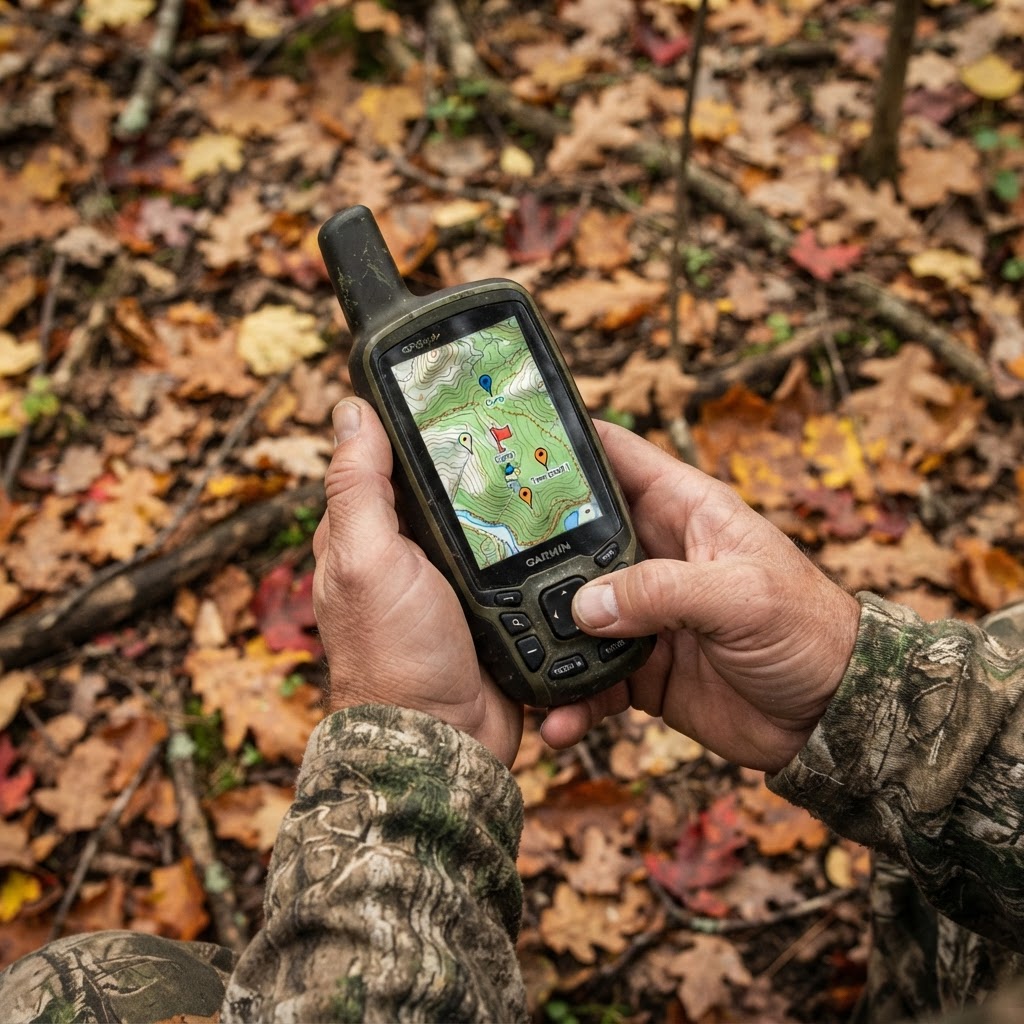
Mapping Your Success: A Hunter's Workflow for Strategic Waypoint Placement
Stop guessing where to set your gear and start building a digital blueprint of your hunting property using the Buckeye Hunter Hub interactive mapping tools.
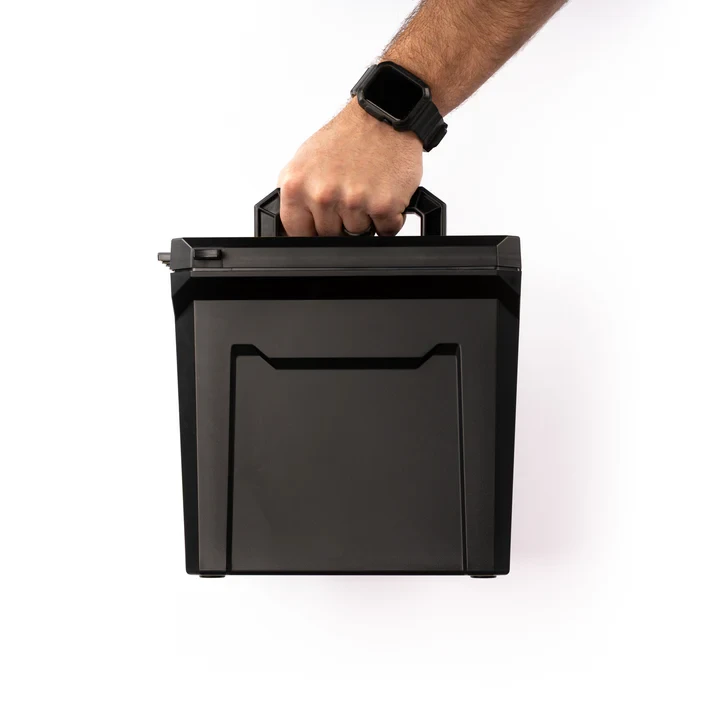
StopBox U-Can Review: The Ultimate Gear Organizer for Hunters
We take a deep dive into the rugged StopBox U-Can to see if this American-made utility case is the right solution for organizing your range and hunting gear.
Finding Your Tribe: Maximizing the Value of Online Hunting Networks
The modern hunter isn't a solitary figure in the woods; they are part of a vast, connected community. Learn how to leverage the Buckeye Hunter Hub groups to sharpen your skills, share success, and build lasting bonds.

Elk Hunting in the Book Cliffs: Lessons Learned
Hunting the rugged Book Cliffs is a true test of endurance. Learn how navigating terrain and recovery challenges can improve your future elk hunts.