Mapping Success: A Guide to Optimizing Your Hunting Setup with BHH
Elevating Your Scouting Workflow
Every successful season begins long before the first frost. While glassing fields and reading sign are essential, the difference between a near-miss and a trophy often comes down to spatial awareness. Many hunters spend hours in the woods only to forget exactly where they spotted that rub line or where that secondary scrape was located. By utilizing the available on Buckeye Hunter Hub, you can transform your scouting data into a visual strategy that helps you hunt smarter, not harder.
Free hunting map, zones & 50-state resources
Save your spots, share zones with your group, and get deer & waterfowl movement forecasts — free.
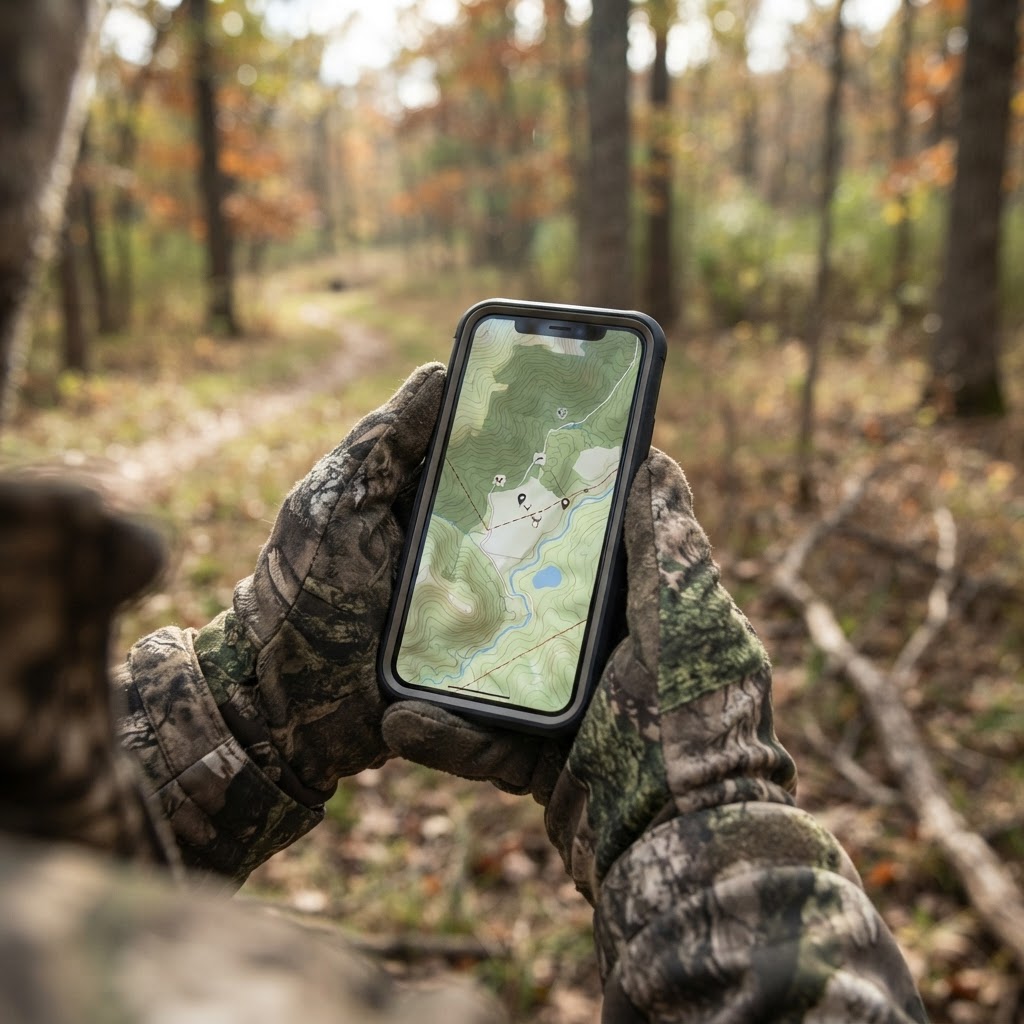
Digital mapping allows you to layer your observations over high-resolution satellite imagery. Instead of guessing distances or hunting based on rough mental estimates, you can plot your stands, blinds, and trail cameras with surgical precision. This isn't just about record-keeping; it's about seeing the 'big picture' of how deer traverse your land.
Why Digital Waypoints Matter
There is a massive difference between a 'hunch' and a data-backed plan. When you mark a waypoint for a trail camera, you aren't just saving a coordinate. You are identifying a point of interest that—when combined with —allows you to spot patterns in movement that aren't immediately obvious to the naked eye.
By marking the locations of your static assets, you can identify 'dead zones' where your cameras or blinds are underperforming. If you notice all your daytime activity is clustered around a specific ridge, yet your stands are spread thin across the bottomlands, your map will make that discrepancy glaringly obvious. This level of foresight allows you to adjust your strategy mid-season without spooking game by over-walking your property.
Step-by-Step: Pinning Your Assets
Getting started with the Buckeye Hunter Hub mapping interface is intuitive, but mastering the nuances of waypoint management will save you significant time in the field. Here is how to build your digital map from the ground up:
1. Identify Your Anchor Points
Start by marking your access points and parking areas. Knowing exactly how you enter and exit a stand without crossing wind-sensitive corridors is the first step in scent control. Create a waypoint for each entry point and color-code them based on the wind direction they accommodate.
2. Plotting Your Blinds and Stands
Switch to the 'Layers' menu to select the 'Stand' or 'Blind' icon. Place your pin exactly where the structure sits. A pro tip: use the 'Notes' field within each waypoint to log the specific stand height, the ideal wind direction for that set, and the date you last serviced the gear. This creates a maintenance log that pays dividends during the peak of the rut.
E-Tag States

Harvest Tags
E-check means you supply the tag. Printed with the exact fields your state requires.
3-pack $22.95
3. Placing Trail Camera Waypoints
When placing camera icons, use the descriptive naming feature to include the camera's ID number. This keeps your digital map in sync with your physical hardware. As you transition cameras throughout the season—perhaps moving them from summer mineral licks to fall transition zones—simply update the waypoint. Seeing the 'breadcrumb trail' of your cameras over a season often reveals the exact transition path deer use as they move from bedding to feeding areas.
Analyzing Movement Patterns
Once your map is populated, it becomes a living document of your season. You can overlay your findings with to understand why game is behaving the way it is on your specific parcel.
Raise a safe, confident young hunter.
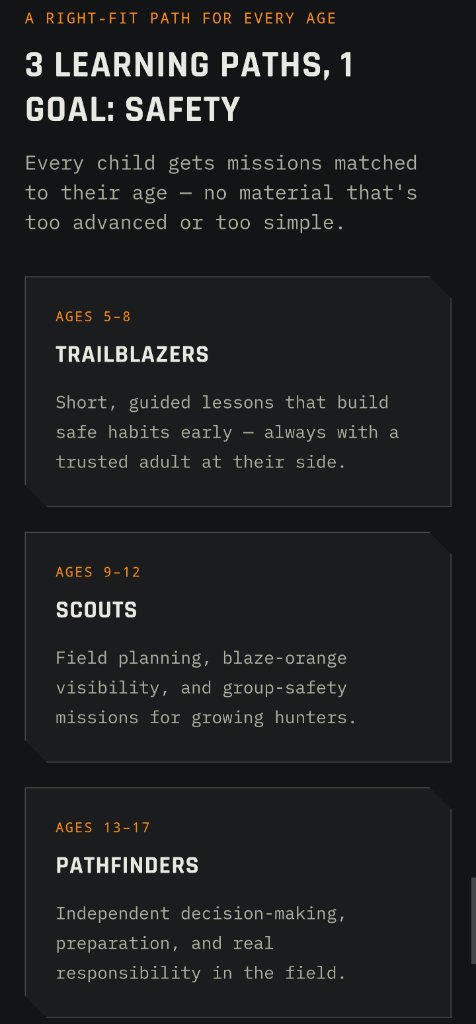
Guide your kids ages 5–17 through interactive hunting safety missions, real decision drills, and earned trophies — all from one free parent account.
Bonus: every $10 you spend in the BHH shop earns a free seat (up to 5). Use them or share them.



For example, if you place a camera near a bottleneck and consistently capture movement during a specific barometric drop, you can quickly cross-reference that with your . If you see a cluster of hits on your map in a thicket adjacent to a field edge, you can hypothesize that the deer are staging there during the mid-afternoon. Instead of aimlessly wandering, you can place your stand on the downwind side of that exact staging area, drastically increasing your odds of a clean encounter.
Managing Your Hunting Footprint
One of the greatest mistakes hunters make is 'loving a spot to death.' By using digital waypoints, you can visualize your scent footprint. You’ll be able to see how close your hiking path takes you to your primary trail camera locations. If you find your access path crosses through the center of a bedding area you've marked, you can use the map to plot a more circuitous, low-impact route.
Remember, the goal of these tools isn't to replace your instincts, but to sharpen them. By spending a few minutes each week updating your digital map, you are essentially training your brain to interpret the landscape through the eyes of a predator. Whether you are hunting large private tracks or navigating the complexities of public land, these digital insights act as a force multiplier for your time in the field. For more help navigating these tools, check out our to ensure you are getting the most out of every feature.
Join 815 hunters and anglers on Buckeye Hunter Hub — free.
Latest from the Community


Everything you need to hunt smarter — free
Buckeye Hunter Hub is a free, nationwide platform. Create an account and unlock the full toolkit:
Free Interactive Hunting Map
Mark stands, cameras, and sign. Draw hunting zones with public land & county overlays across all 50 states.
Zones with Group Sharing
Share zones with your hunting group, split property into sections, assign stands, and check in — all in one place.
50 States of Hunting Resources
Season dates, license links, and DNR regulations for every state, kept current so you never miss an opener.
Deer Movement Forecast
Data-driven daily movement predictions using wind, moon, and pressure — know when to sit before you go.
Waterfowl Movement & Tools
Flight-potential forecasts, migration numbers, decoy spread planner, and a full species field guide.
From the Maker Bench

SE Ohio Outdoors
Euro Mount Hook
Hand-built in the USA · $8.00
Shop the MakerFriend of BHH
Thinking about selling a rifle or an old family shotgun? Check up-to-date market pricing by make and model before you sell.
webuyguns.comShop This

StopBox Pro Ward | Wall-Mounted
$179.00$199.99

StopBox Pro Compact
$159.00$179.99

BHH Speckle Camo Hoodie
$53.36

BHH Blackwood Camo Hoodie
$53.36
E-Tag States
Harvest Tags
E-check means you supply the tag. Printed with the exact fields your state requires.
3-pack $22.95
More Articles
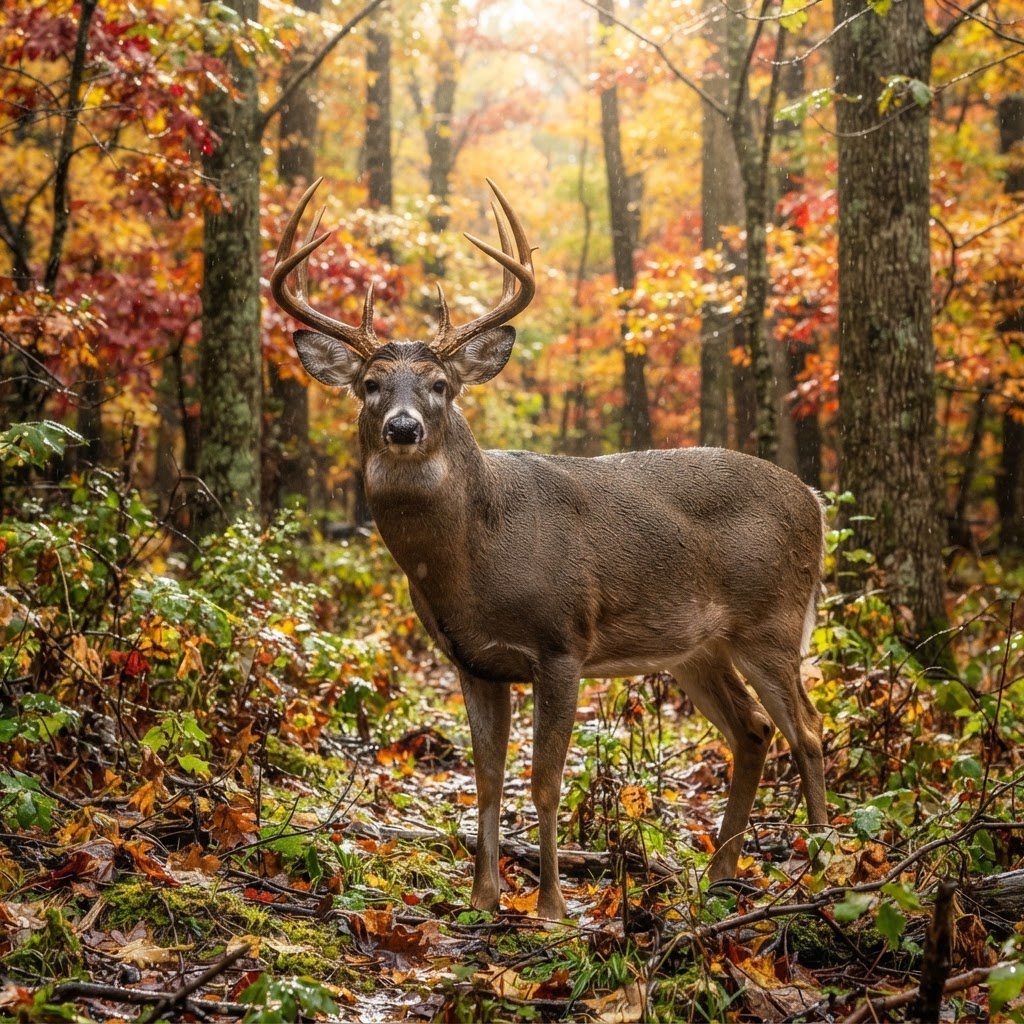
Best Barometric Pressure for Deer Hunting: What the Data Really Says
Is the barometer actually a magic switch for deer movement? We dive into the telemetry data to separate weather-driven myths from biological reality.
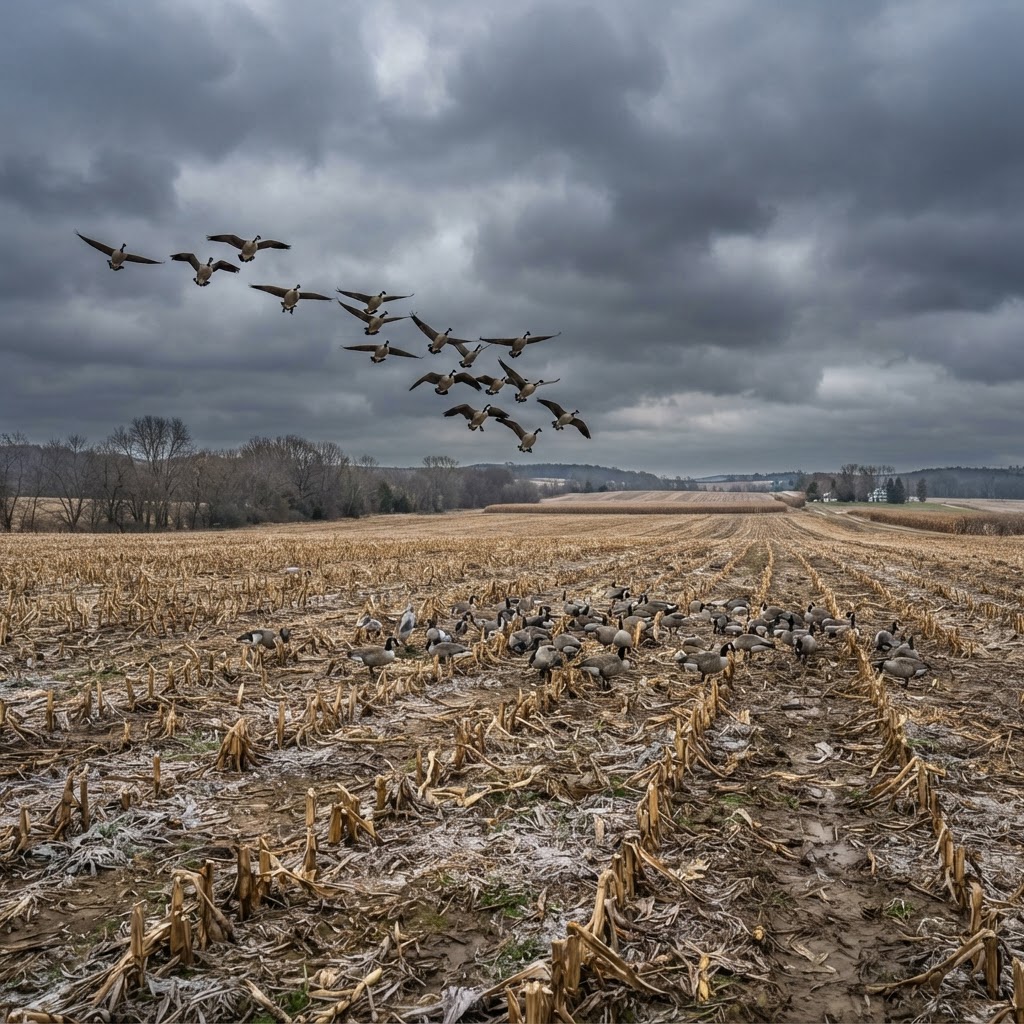
Mastering Cold-Weather Canada Geese: Strategic Field Tactics
When the mercury drops and the migration intensifies, successful field hunting depends on reading the wind, optimizing your spread, and mastering concealment. Discover how to capitalize on peak movement days for consistent success.
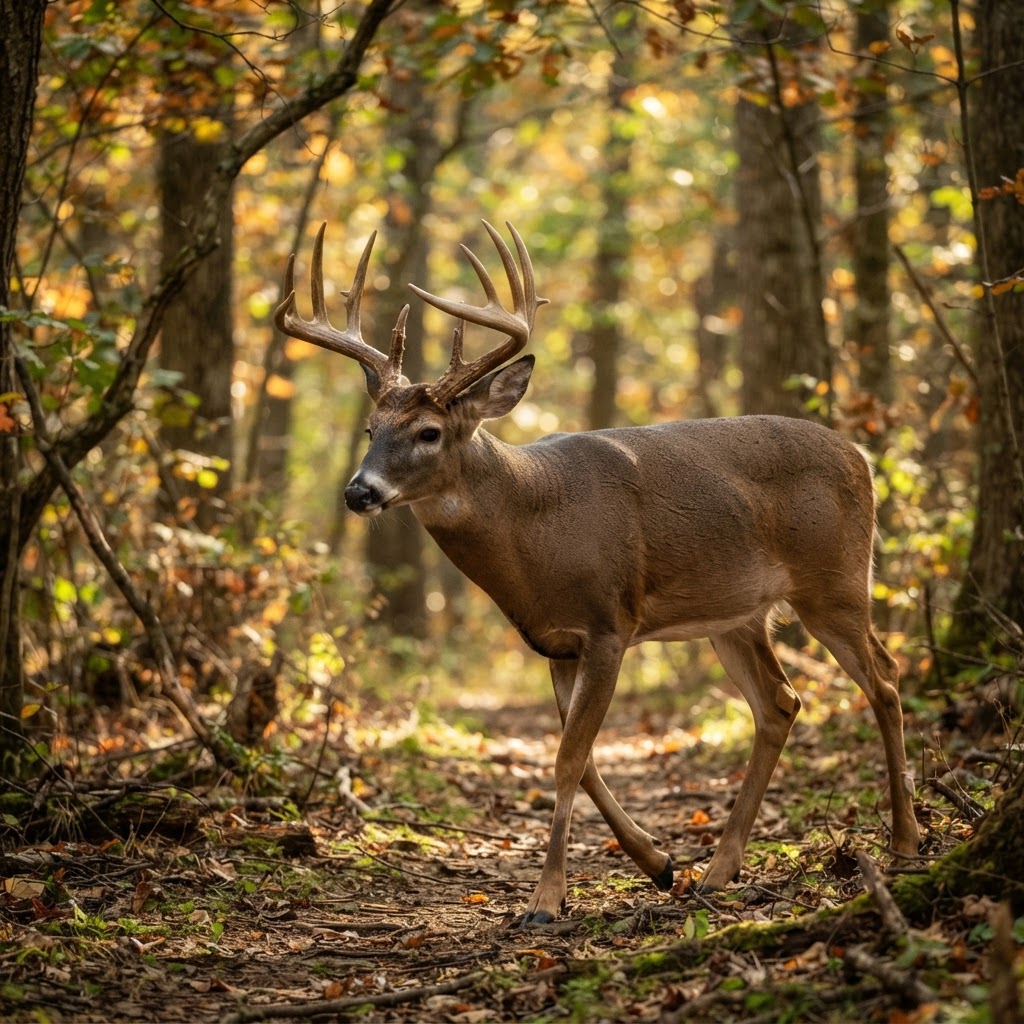
Precision Scouting: Using AI to Sort Your Trail Camera Inventory
Drowning in thousands of trail camera images? Learn how to leverage artificial intelligence to identify specific deer and master movement patterns before opening day.
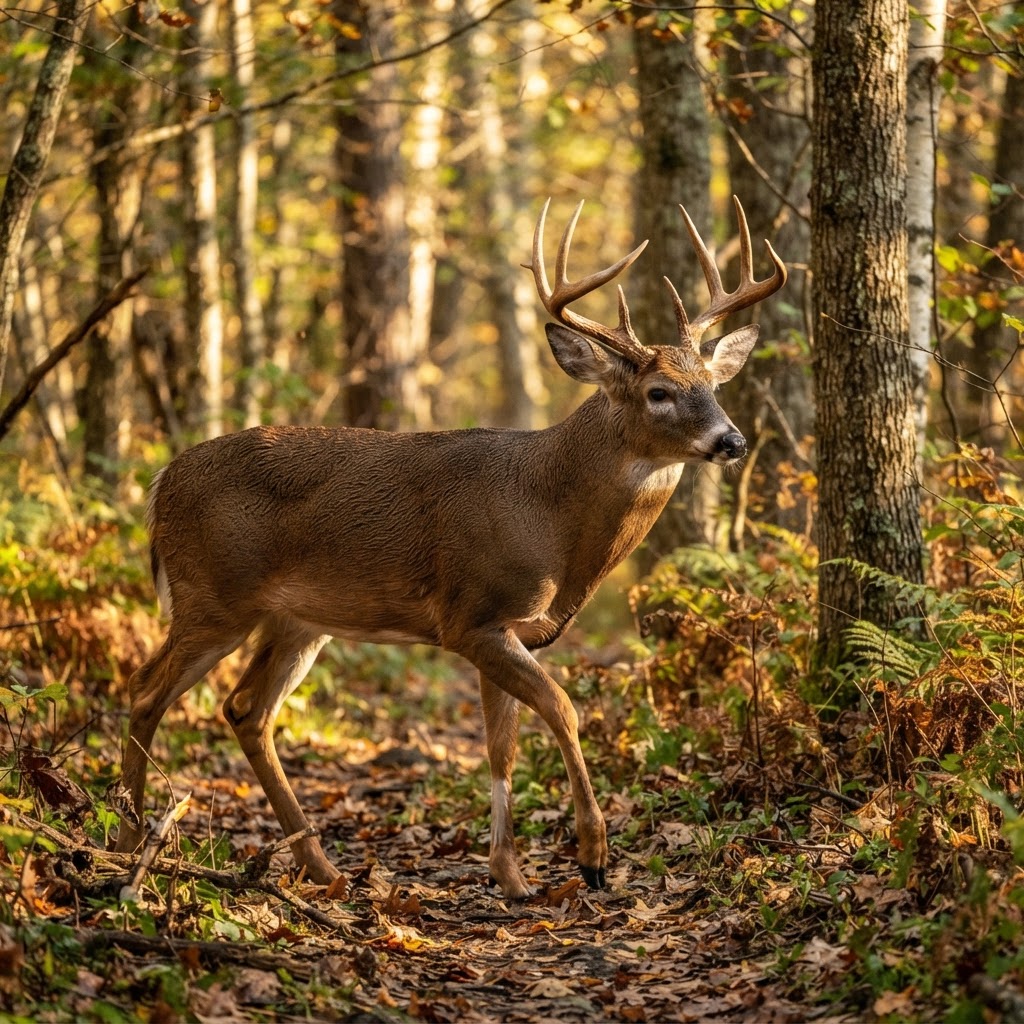
Decoding the Data: Streamlining Your Trail Camera Workflow
Tired of spending hours sorting through thousands of trail camera images? Learn how to harness AI-driven analysis to identify bucks and does, pinpointing exactly when to be in the stand.