Using Buckeye Hunter Hub to Mark Waypoints for Stands, Blinds, and Trail Cameras
Introduction
As a hunter, understanding your terrain and marking key locations such as stands, blinds, and trail cameras is crucial for optimizing your hunt. The free Buckeye Hunter Hub interactive hunting map offers an intuitive way to mark waypoints, making it easier to scout smarter and find more game. In this guide, we'll walk through how to use this feature effectively, ensuring you're well-equipped for your upcoming hunts.
What is the Buckeye Hunter Hub Interactive Map?
The Buckeye Hunter Hub interactive map is a comprehensive tool designed specifically for hunters. It allows you to explore your hunting grounds in detail, mark important locations, and share information with fellow members of the hunting community. By leveraging the power of this interactive map, hunters can enhance their scouting techniques and streamline their gear placement strategies.
Raise a safe, confident young hunter.
Guide your kids ages 5–17 through interactive hunting safety missions, real decision drills, and earned trophies — all from one free parent account.



Step-by-Step Guide to Marking Waypoints
Step 1: Accessing the Map
To get started, visit the interactive hunting maps section of the Buckeye Hunter Hub. Here, you will find a user-friendly interface that allows you to navigate through various terrains, including forests, fields, and wetlands.
Step 2: Zooming In on Your Location
Once you’re on the map, use the zoom feature to focus on your specific hunting area. You can drag the map to move around and locate areas where you want to position your stands, blinds, or trail cameras.
Step 3: Selecting a Marking Tool
The map offers several tools for marking waypoints. Look for the waypoint icon or the designated marking feature in the toolbar. Clicking on the icon will allow you to place a marker directly on the map.
Free hunting map, zones & 50-state resources
Save your spots, share zones with your group, and get deer & waterfowl movement forecasts — free.
Step 4: Placing Your Waypoints
- Stands: Locate strategic spots, like intersections of trails or areas with good visibility, and click to drop your waypoint. You might want to label this waypoint something like "Buck Stand" for easy reference.
- Blinds: For blinds, identify locations that provide natural cover and access to feeding grounds. Again, click to place a waypoint, naming it something descriptive, such as "Doe Blind."
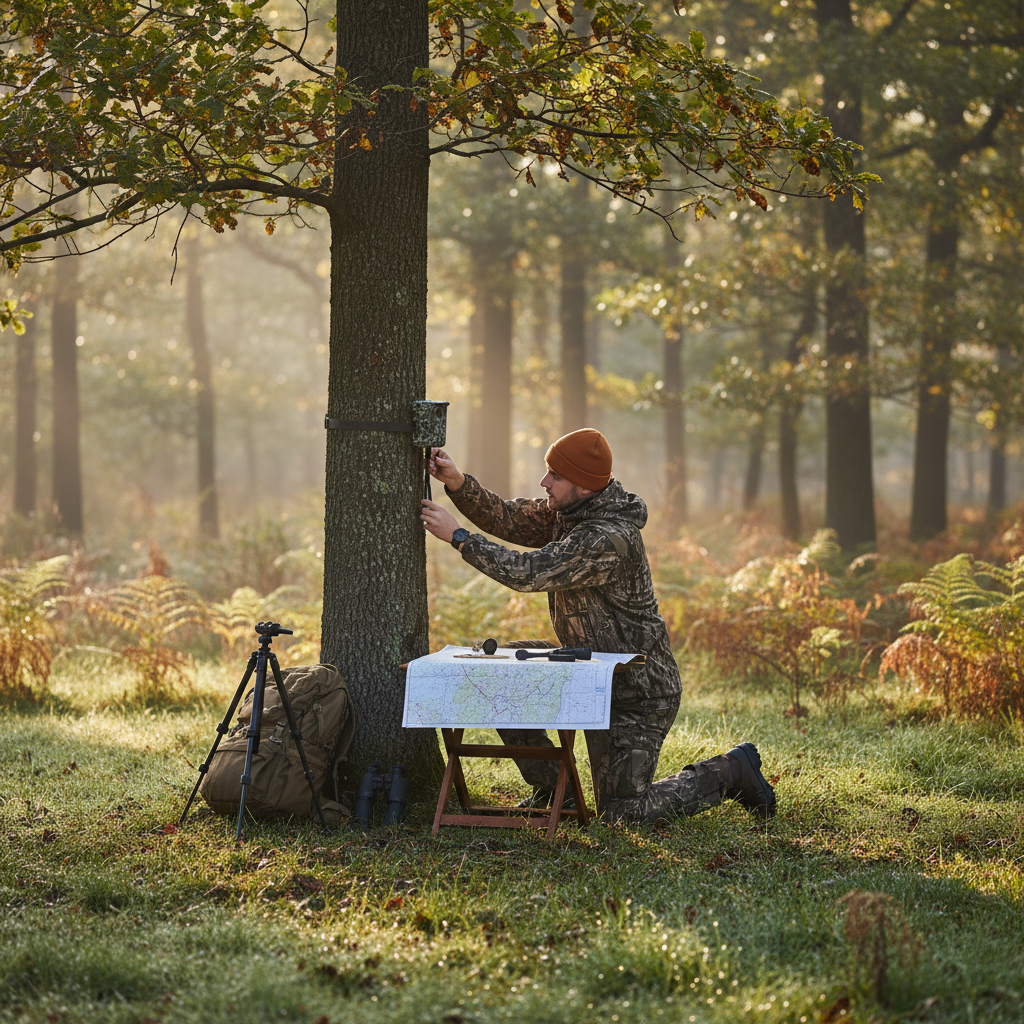
- Trail Cameras: When setting trail cameras, focus on game paths or feeding areas. Place a marker for your camera position, labeling it for organization.
Step 5: Customizing Your Markers
Once you've placed your markers, customize them by adding notes or changing colors for quick identification. This feature can simplify your planning process. For example, you may want to categorize your waypoints by the type of game you are looking to attract.
Step 6: Saving and Accessing Your Map
Make sure to save your marked map before exiting. The Buckeye Hunter Hub allows you to access your personalized maps at any time, ensuring you can revisit your waypoints for planning or adjustments before the hunt.
Step 7: Additional Planning with ScoutNest AI
For a more comprehensive planning experience, consider using advanced AI tools to help you analyze weather patterns, find partners for your hunt, and even plan your routes effectively.
How Does This Help You Scout Smarter?
By utilizing the waypoint marking features of Buckeye Hunter Hub, you increase your chances of a successful hunt. Here are a few advantages:
- Efficiency: Marking waypoints saves time and helps streamline your setup, so you're not wasting valuable hours during the hunting season. Checking locations during pre-season scouting becomes a breeze.
- Data Accessibility: With customizable notes attached to each marker, you can keep track of what worked and what didn’t for future reference. This will make it easier for you to adapt your strategies.
- Sharing Information: If you’re part of any hunting community groups, you can share your maps and waypoints, gaining insights from fellow hunters and improving your overall strategy.
Conclusion
Marking waypoints for stands, blinds, and trail cameras using the Buckeye Hunter Hub interactive map is a straightforward and effective method to elevate your hunting experience. By following the steps outlined in this article, you can enhance your scouting efficiency and improve your chances of success in the field.
If you're interested in learning more about other features or hunting resources, check out our state hunting resources and hunting season calendar to further align your strategies with the right times and locations.
Happy hunting, and don’t forget to explore our hunting blog for tips, gear reviews, and more insights into the world of hunting!
Explore More on Buckeye Hunter Hub
Everything you need to hunt smarter — free
Buckeye Hunter Hub is a free, nationwide platform. Create an account and unlock the full toolkit:
Free Interactive Hunting Map
Mark stands, cameras, and sign. Draw hunting zones with public land & county overlays across all 50 states.
Zones with Group Sharing
Share zones with your hunting group, split property into sections, assign stands, and check in — all in one place.
50 States of Hunting Resources
Season dates, license links, and DNR regulations for every state, kept current so you never miss an opener.
Deer Movement Forecast
Data-driven daily movement predictions using wind, moon, and pressure — know when to sit before you go.
Waterfowl Movement & Tools
Flight-potential forecasts, migration numbers, decoy spread planner, and a full species field guide.

American Express® Gold Card
Earn big on the things you love—dining, groceries, and travel. Apply through my referral link below.
- Up to 100,000 Membership Rewards® Points after you use your new Card to make $8,000 in purchases in the first 6 months—upon approval.
- 4X Membership Rewards® Points at restaurants worldwide, plus takeout and delivery in the U.S.
- 4X Points at U.S. supermarkets (on up to $25,000 per year, then 1X).
- 3X Points on flights booked directly with airlines or on amextravel.com.
- Up to $120 in annual dining credits at select partners (enrollment required).
Terms apply. Offer subject to approval by American Express. This is a referral link—I may receive Membership Rewards® Points if you are approved.
More Articles

Mastering the Woods: How to Decode Deer Sign Like a Pro
Success in the deer woods begins long before you pull the trigger. Learn how to interpret rubs, scrapes, and beds to build a winning game plan.

StopBox Pro/Compact BOGO Review: The Ultimate Security Duo
Is the StopBox Pro/Compact BOGO the best value in home defense? We analyze this two-for-one deal to see if it delivers on performance and convenience.
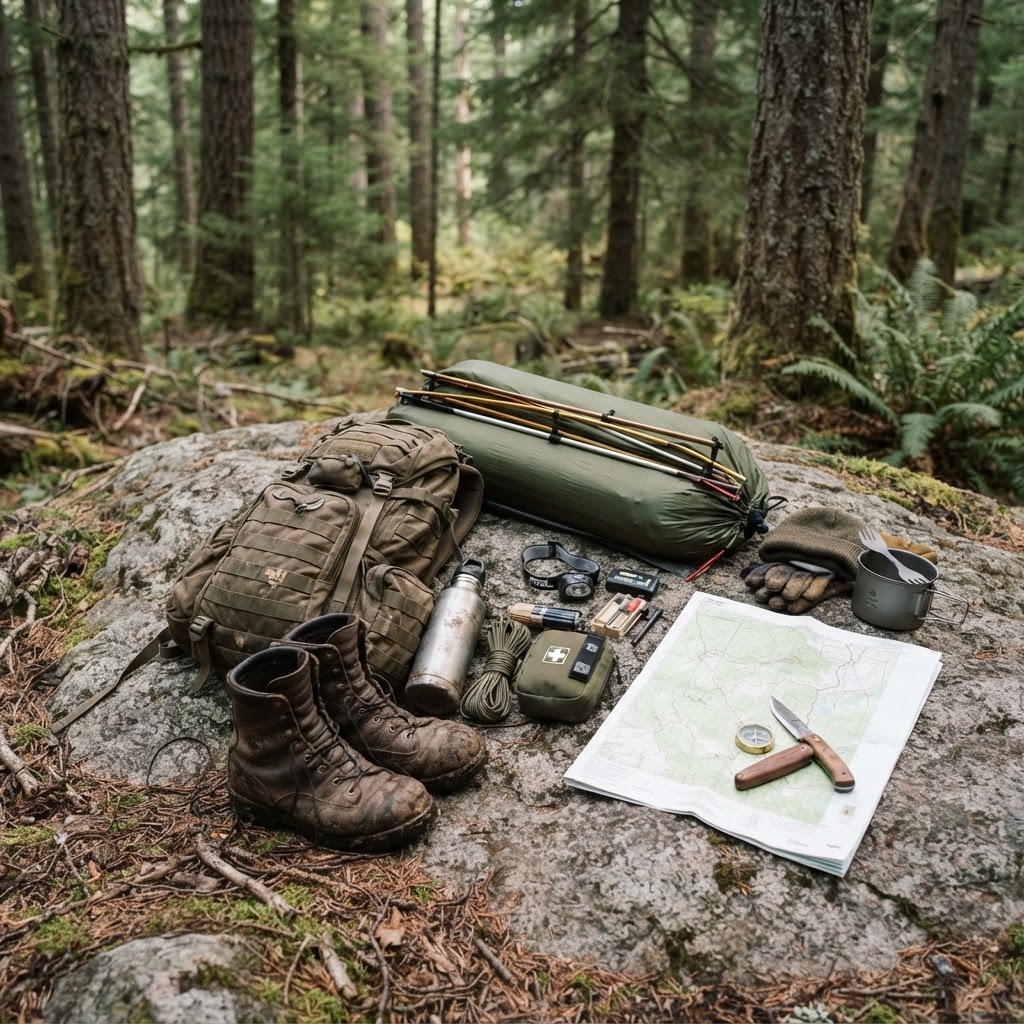
The Ultimate Backcountry Hunting Checklist: A Framework for Success
Transitioning from day trips to multi-day backcountry hunts requires precision planning and disciplined packing. Follow this comprehensive guide to ensure you are ready for the wilderness.

Mastering Wild Game: The Ultimate Venison Breakfast Sausage Recipe
Transform your hard-earned venison into the ultimate morning staple with this savory, juicy, and perfectly seasoned breakfast sausage guide.